 United States
 Canada
 Europe

 Canada
 Europe


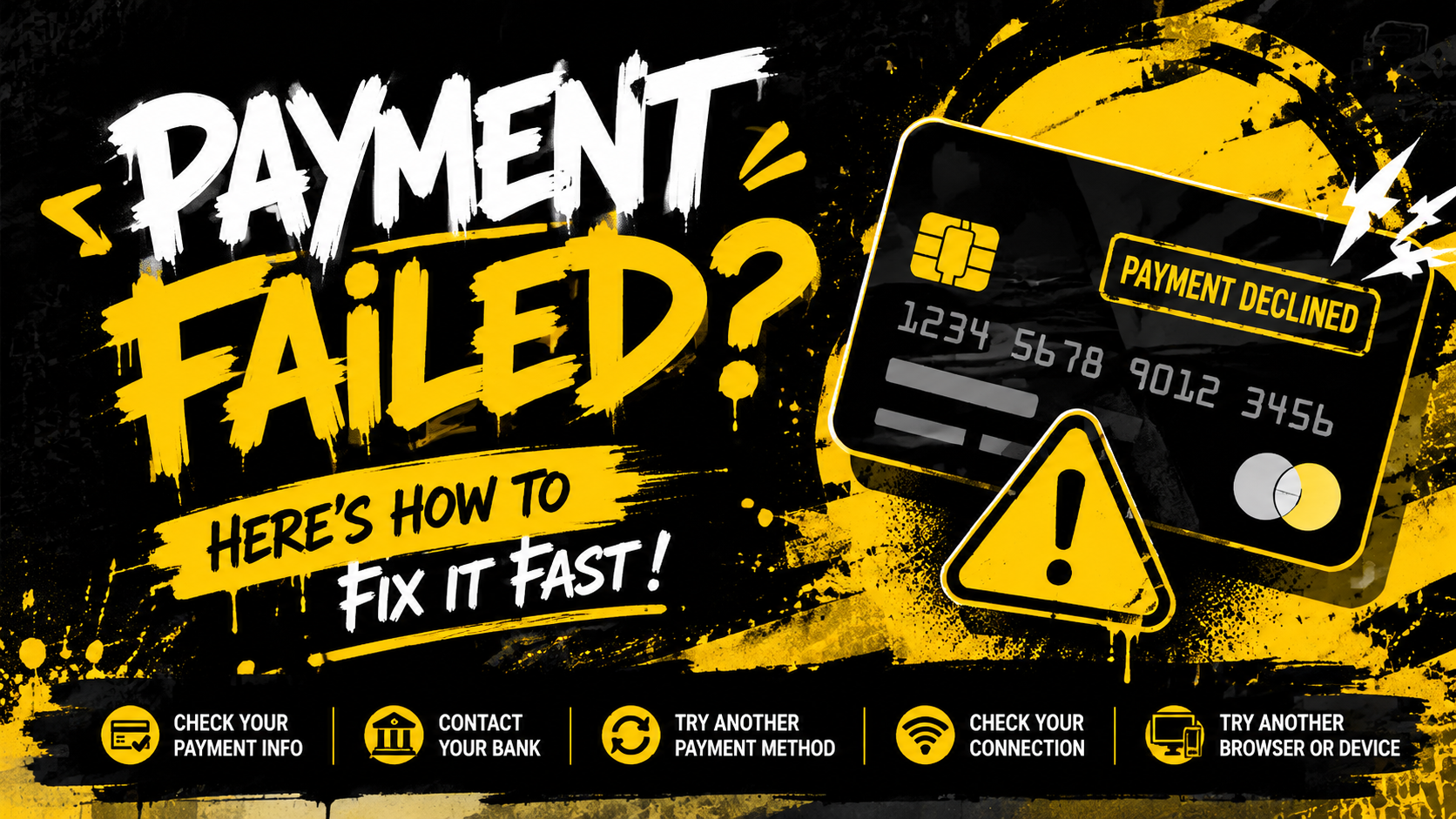

You’re all set to lock in your brand-new Villain and finalize checkout, yet your payment keeps failing to process. Don’t worry — payment errors are extremely common, and nearly all issues can be resolved with our simple, straightforward troubleshooting steps.
Follow the guide below to fix checkout glitches and successfully place your order without hassle.
Double-Check All of Your Payment Card Details
Incorrect card information tops the list of reasons behind declined transactions.
Please cross-verify that every piece of information below matches your physical card and billing records perfectly:
- Full card number
- Card expiration date
- CVV security code
- Full cardholder name
- Registered billing address
Even a single typo in any field will stop your order payment from going through.
Reach Out to Your Bank or Card Issuer
Financial institutions frequently block transactions for fraud protection, especially applicable to your Villain purchase in these scenarios:
- High-value e-bike orders
- Online remote payments
- First-time purchases with Heybike Sports
- Cross-border international transactions
If your payment gets rejected, contact your bank to confirm they haven’t temporarily blocked the charge to our brand.
Try Out an Alternative Payment Method
If your current payment method continues to fail, switching to another checkout option will help you secure your Villain faster:
- A different credit or debit card
- PayPal and other regional supported payment gateways
- An alternate payment account
Troubleshoot Your Browser & Device
Temporary browser cache or system bugs can disrupt the checkout page for your order.
Test these fixes:
- Refresh the checkout page
- Clear your browser cache and cookies
- Switch to a different web browser
- Complete payment on another mobile phone or laptop
Ensure a Stable, Uninterrupted Internet Connection
Weak, fluctuating Wi-Fi or mobile data often triggers payment submission errors mid-checkout.
Stay connected to one steady network and avoid switching networks while paying for your Villain.
Wait a Short While Before Retrying Payment
Multiple consecutive failed payment attempts may trigger a temporary transaction restriction from your bank.
Pause for several minutes before attempting checkout again. If the error persists, get in touch with your banking provider directly.
Still Stuck Securing Your Villain?
If you’ve gone through all the above steps and still cannot complete payment, our dedicated Heybike Sports customer support team is ready to offer personalized assistance.
When contacting support, kindly provide these details to speed up the resolution process:
- The payment method you attempted to use
- The exact error message displayed on screen
-
A screenshot of the checkout error (please blur all sensitive personal and card information)
Share:
Electric Dirt Bike Safety Gear Guide: What to Wear Before You Ride
SAN ANTONIO SPURS ANNOUNCE OFFICIAL PARTNERSHIP WITH HEYBIKE